Satellite Info

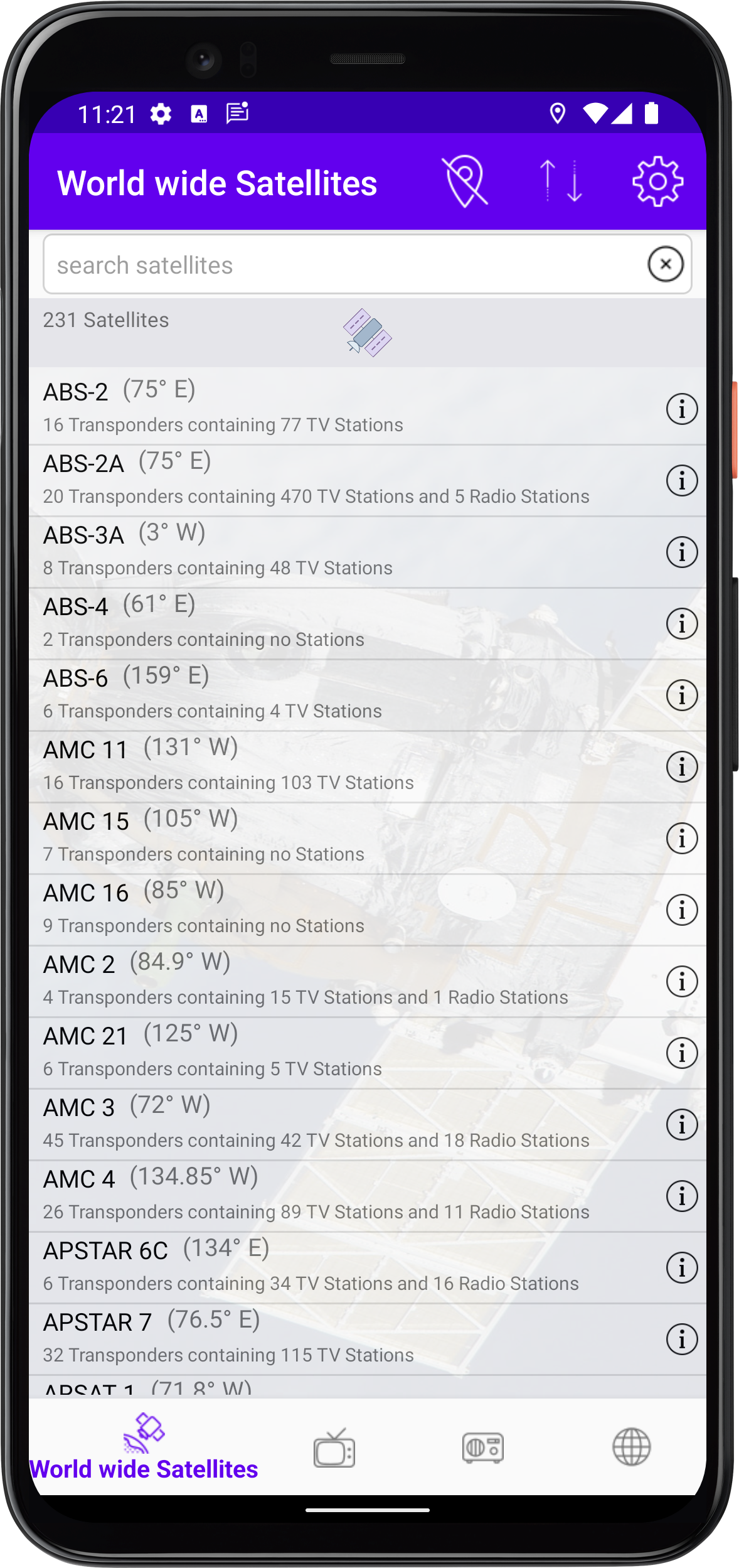
World wide Satellites

The start page of the app lists all TV and radio satellites available and active worldwide. In addition, the transponders on which the satellite transmits TV and radio channels are listed. If you tap on the satellite, you will receive a detailed overview of the TV and radio stations that are broadcast via this satellite.

  • Only satellites that are above the horizon at your location will be displayed.
  • Sort the displayed satellites.
  • View the settings.

Worldwide TV-Stations

This page shows you all the TV Stations available worldwide. It also shows on which satellite and with which transponder frequency and polarisation these channels are broadcast. If available, the audio ID of the channel is displayed. The audio IDs represent the available languages of the TV channel.

If an is displayed behind the name of the TV-Station, the TV-Station is encrypted.
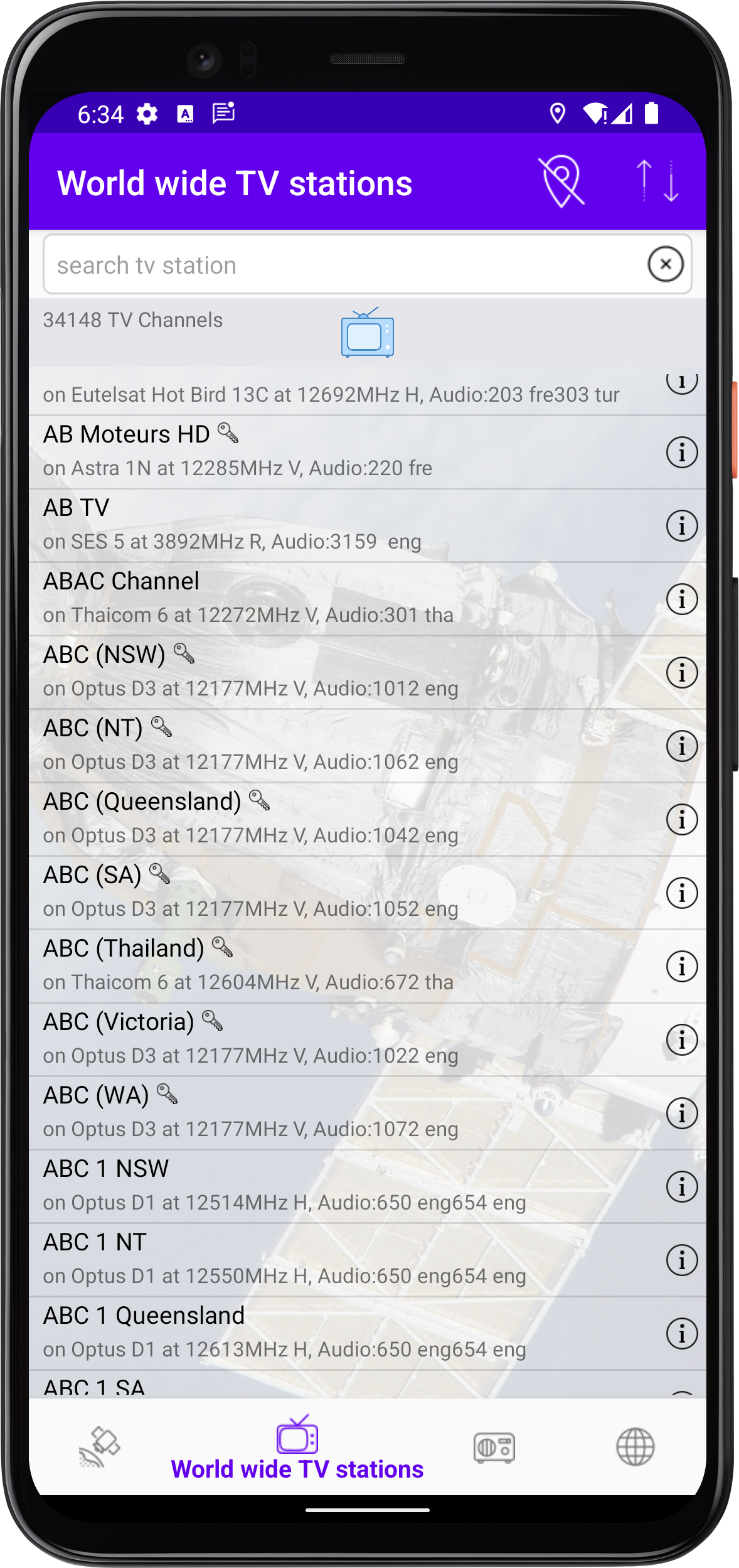
If you tap on the TV channel, you will receive detailed information about the TV channel.

  • Only TV channels that can be received at your location are displayed..
  • Sorting the displayed TV channels.

Worldwide radio stations

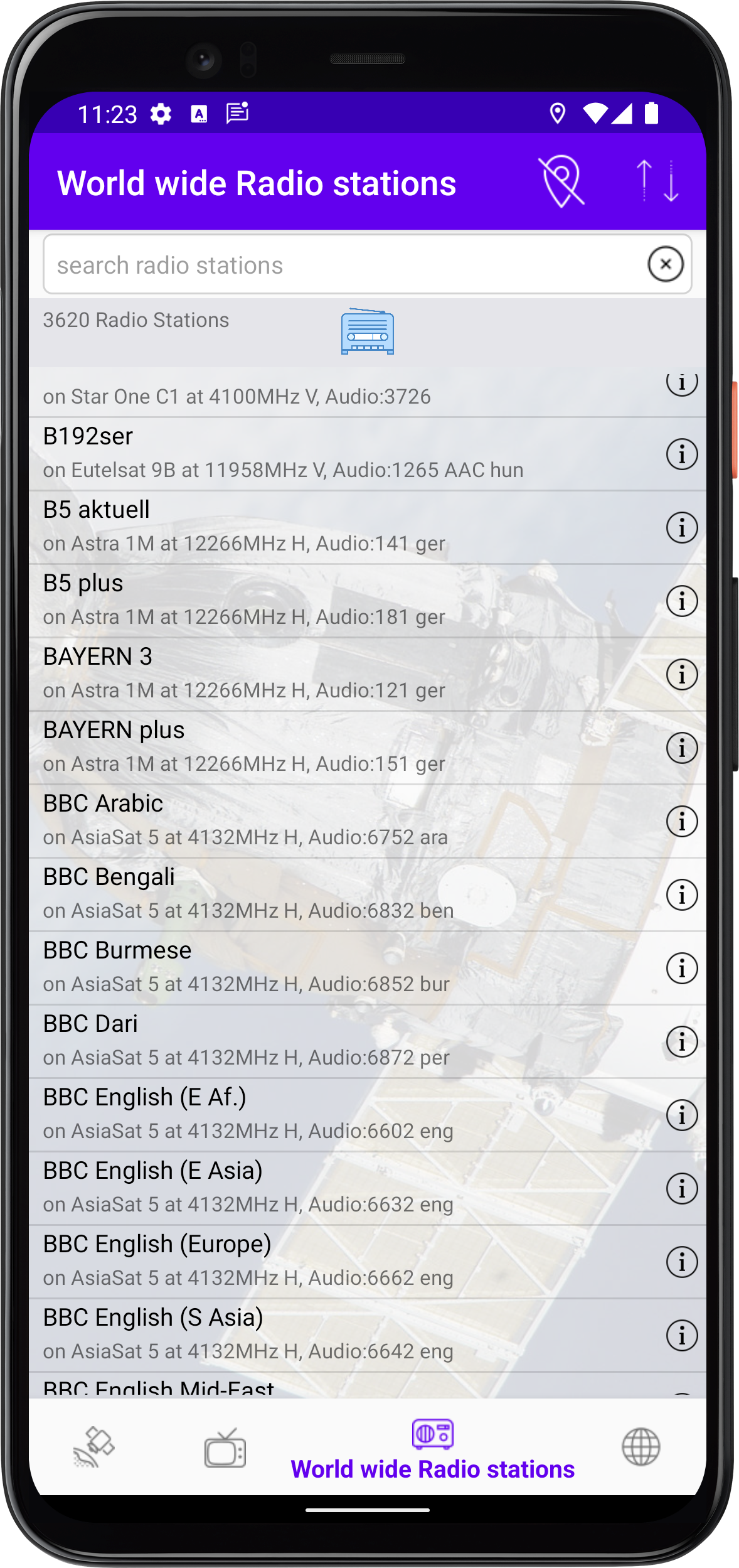
This page shows you all available radio stations worldwide. Additionally, it shows on which satellite and which transponder frequency and polarization these radio stations can be received. If available, it will show the audio ID of the station, which shows the available languages of the radio station.
If an is displayed behind the name of the radio stations, the radio stations is encrypted.
If you tap the radio station you will get detailed information about the radio station.

  • Only radio stations that can be received at your location will be displayed.
  • Sort the displayed radio stations.

  • Only satellites that are above the horizon at your location will be displayed.
  • Sort the displayed satellites.
  • View the settings.

Audio languages

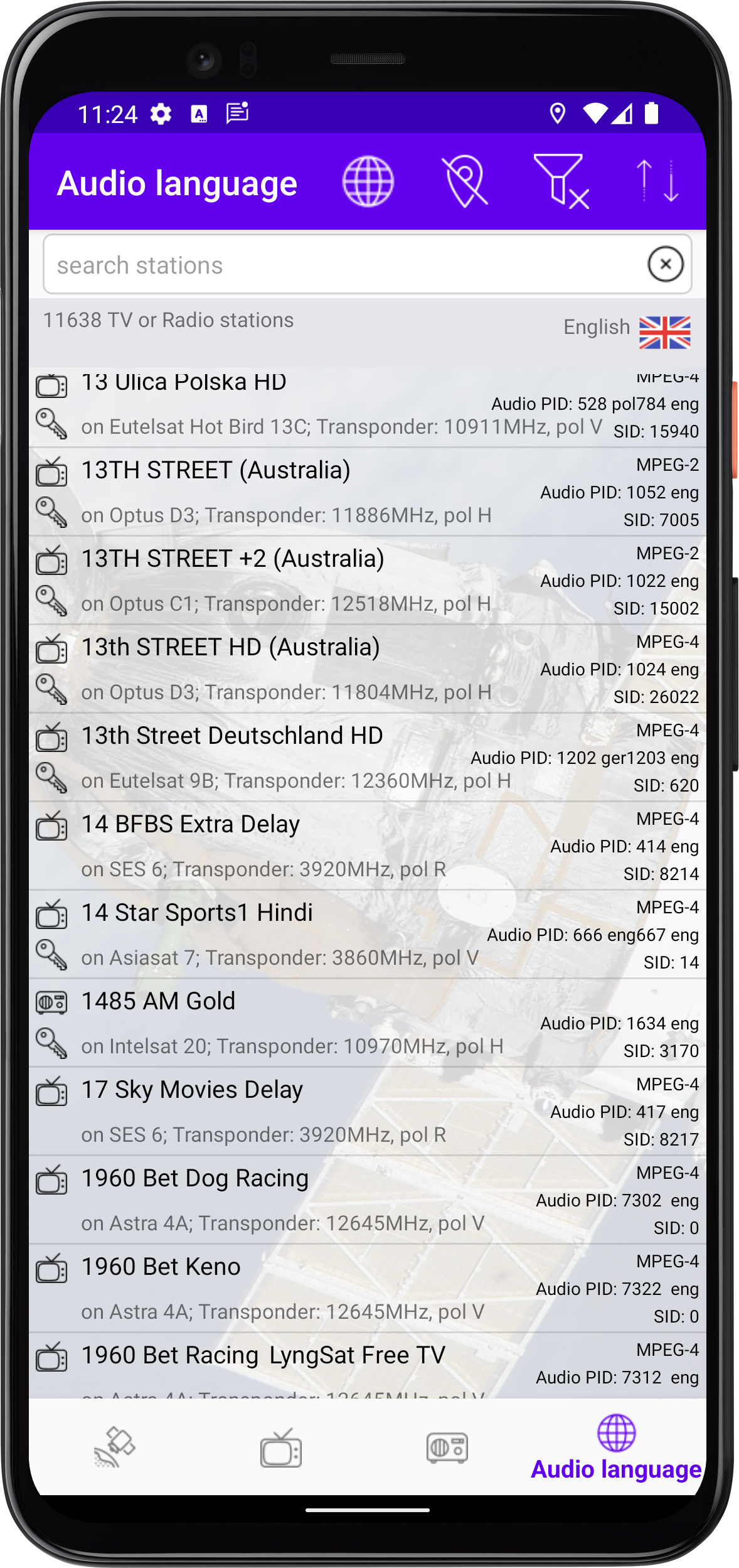
On this page you have the possibility to filter TV and radio stations by language.
If an is displayed behind the name of the TV or radio stations, the TV or radio stations is encrypted.
If you tap the transmitter, you will get a detailed overview of the station.

  • Language filter.
  • Only TV or radio stations that can be received at your location will be displayed.
  • Toggle between Mixed view including TV and Radiostations ... only TV stations... only radio stations.
Detailed information

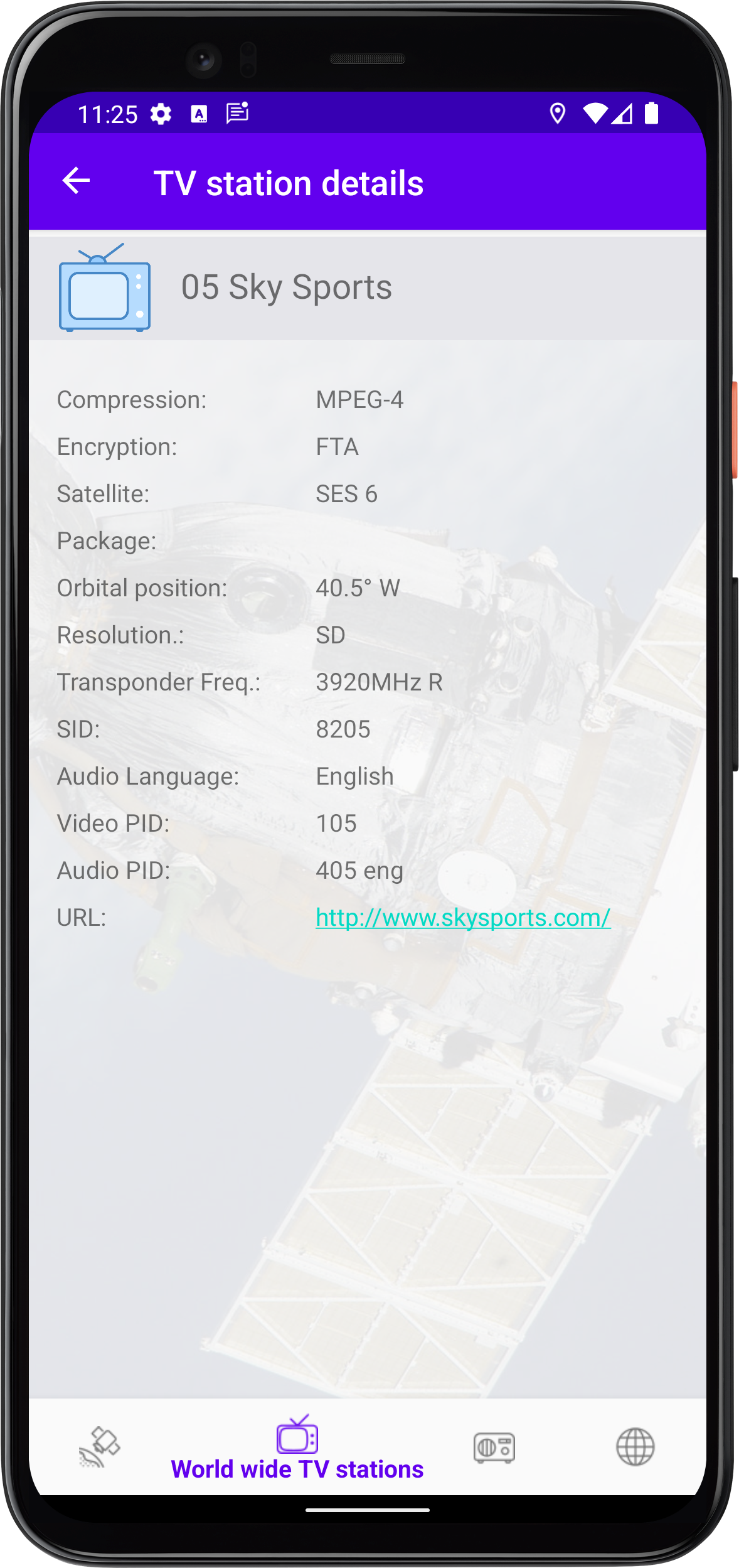
If you tap a TV or radio station you will get detailed information about that station.